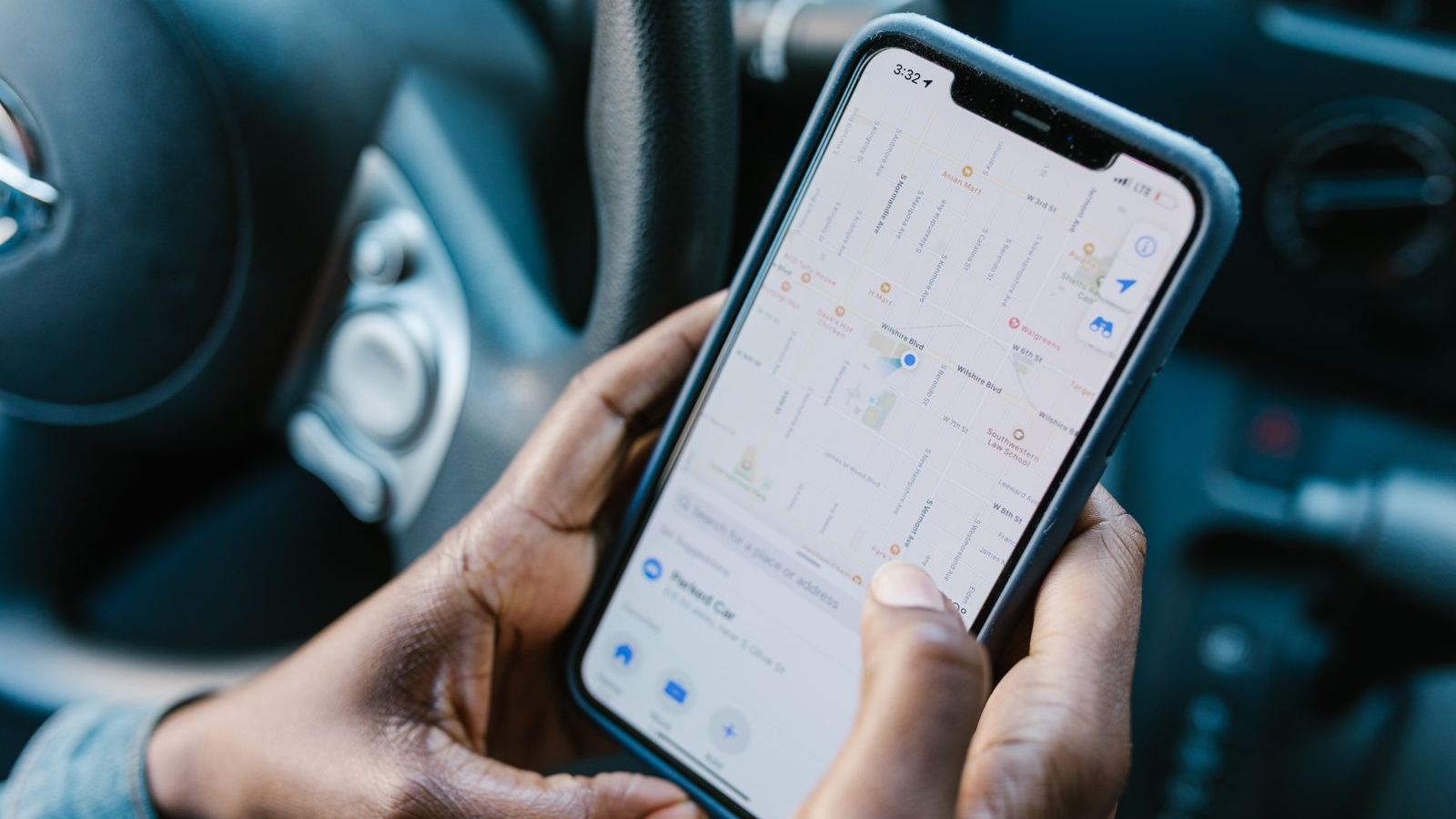
"I visited the shop yesterday." Every field manager has heard this sentence. Sometimes it is true. Sometimes the person only drove past. Sometimes the visit never happened. Without proof, a manager can either trust blindly or check every claim by phone. Neither scales.
Proof of visit software gives you a simple record for every visit: where the person was, when, what they did, and who confirmed it. This guide explains the types of proof, how to combine them, where each fails and how to introduce them without slowing your team.
What is proof of visit?
Two ideas help here:
- Proof of presence shows the person was at the place at the time. GPS check-in is the main tool.
- Proof of work shows what was done there. Photos, signatures, forms and OTP confirm this.
A strong system captures both. Presence alone says "he was nearby". Work alone, such as a photo, can be old or taken elsewhere. Together they are hard to fake.
Types of proof, and where each works best
| Proof type | What it shows | Weakness | Best for |
|---|---|---|---|
| GPS check-in with geofence | Person was at the site at a server-recorded time | GPS drift indoors, spoofing if not detected | All visits |
| Photo (shelf, site, document) | What the place or product looked like | Can be old or reused unless time and location are stamped | Retail audits, installations, site inspections |
| Customer signature | Customer accepted the work or delivery | Can be drawn by the rep if unsupervised | Service calls, deliveries |
| OTP sent to the customer | Customer was present and confirmed | Needs customer phone and signal | Deliveries, service completion |
| Barcode or QR scan | Person scanned a specific tag at the location | Tag can be photographed and reused if not rotated | Guard rounds, equipment checks, asset visits |
| Custom form | Structured answers: stock, order, checklist | Rep can fill without doing the work | Anywhere you need data, not just a tick |
How fake visits happen
- Check-in from outside. The rep marks the visit from a tea stall down the road.
- Reused photos. The same shelf photo is uploaded for three different days.
- Copied forms. The same answers are pasted across outlets.
- Spoofed location. A mock-location app places the phone at the customer.
- Unsupervised signatures. The rep signs on the customer's behalf.
The answer is layers. If a visit needs a geofenced check-in, a fresh photo taken inside the app, a form and (for services) a customer OTP, it takes more effort to fake than to do the work.
Features to look for
Automatic check-in by geofence
The visit starts when the rep reaches the customer's location. This removes the "I forgot to check in" excuse and cuts effort for the rep.
Camera inside the app
Photos should be taken in the app, not picked from the phone gallery, and carry time and location. This stops reuse.
Mandatory steps before closing
The software should refuse to close a visit until required proof is captured. This is the biggest difference between a tool that records and a tool that enforces.
Custom forms and checklists
Different industries need different data. See mobile forms software for field teams for how to design them.
Offline capture
Proof must be possible without signal. Photos and forms should save on the phone and sync later. Read more in offline field force management software.
Audit trail
Every action should be logged: who captured what, when, from where, and who changed it.
Manager review tools
Managers need to see exceptions quickly: visits with no photo, very short visits, check-ins outside the geofence. Without this, proof just piles up unseen.
Examples by industry
Common mistakes
- Asking for too much proof. If every visit needs six steps, reps will resist or rush. Match the proof to the risk and value of the visit.
- No review process. If nobody looks at exceptions, people learn that proof is a formality.
- Punishing before understanding. A failed check-in may be bad GPS. Ask first.
- Ignoring privacy. Photos can include people and customers. Capture only what is needed, and limit who can see it.
- Skipping offline. If proof fails in weak coverage, you push reps to workarounds.
How to roll out proof of visit
- Define a visit. Write down what counts as a completed visit for each role.
- Choose proof by value. Basic visits get a check-in. High-value or high-risk visits get photo, form and signature or OTP.
- Build the forms with your team's input, keeping them short.
- Pilot for two weeks and review exceptions daily.
- Share results. Show reps how proof protects them in disputes.
- Review monthly. Remove steps that add effort without adding value.
What to measure
- Percentage of visits with complete proof
- Visits flagged for location mismatch
- Average visit duration, and very short visits
- Disputed visits per month
- Time managers spend verifying visits manually
For more on measurement, read 12 KPIs every sales and operations manager should track. Attendance proof is covered in GPS attendance software with geofencing, and time-bound service proof in SLA management software.
Where FieldExecutives fits
FieldExecutives gives each rep a guided job card that shows where to go, whom to meet and what to collect. Reps check in automatically by geofence, then capture photo, signature, OTP, barcode or QR and a checklist. The job cannot close until the required proof is captured. Everything works offline and syncs later. Managers see proof of presence and proof of work together, with SLA timers where they apply. Explore the features or industry pages to see how it adapts to your workflow. Related: reducing customer complaints with proof of service and medical representative management.
Want fewer "did he really go?" calls? Book a demo and we will set up a visit flow for your team in the live product.