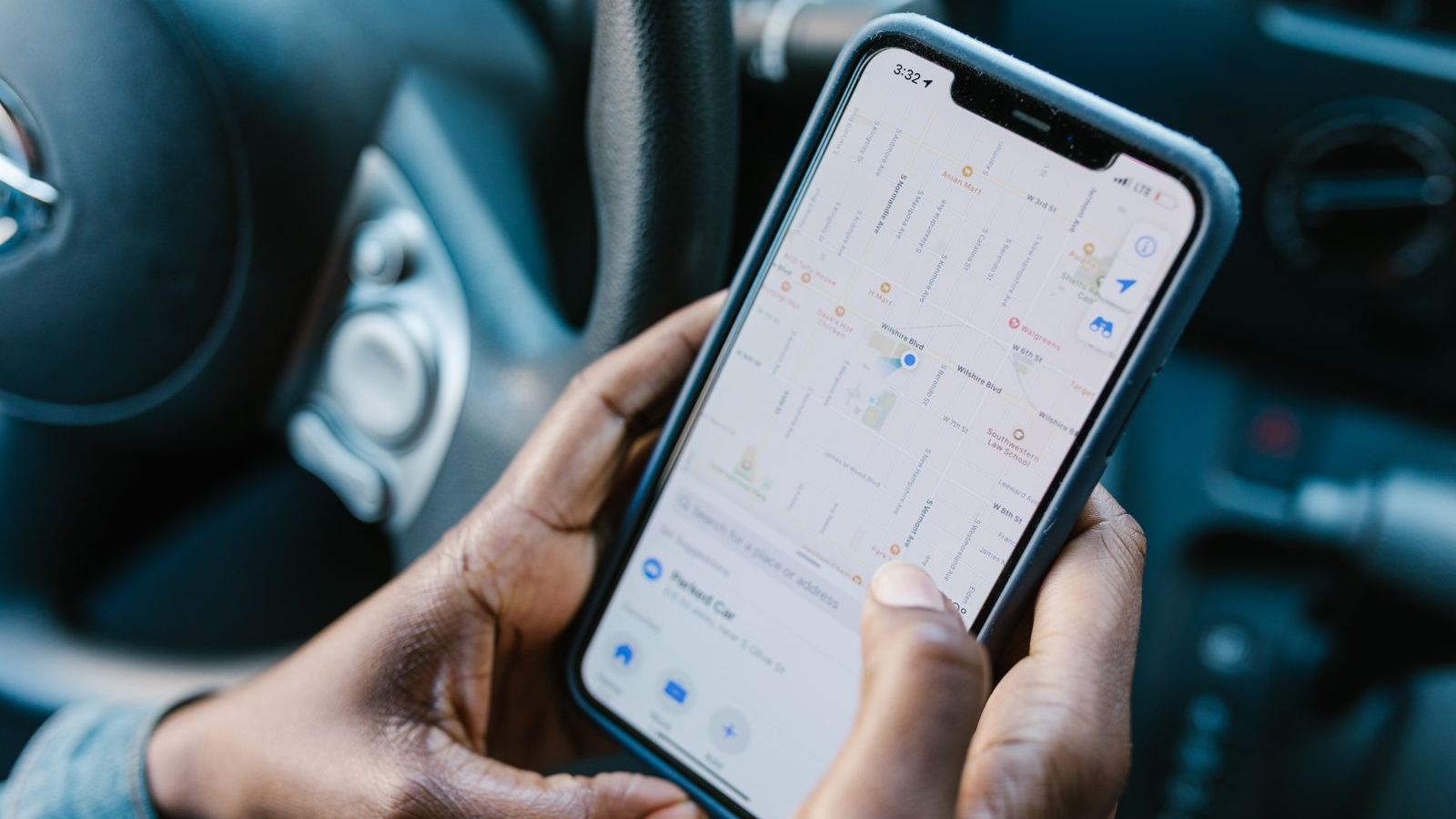
Field attendance has always been a matter of trust. The employee says, "I reached the market at 9." The manager has no way to check. A paper register or a WhatsApp "Good morning" message proves nothing. GPS attendance software with geofencing replaces that trust-only system with a record that both sides can rely on.
This guide explains how geofenced attendance works, where it fails, how to set rules that are fair, and what to ask a vendor before you buy.
What is GPS attendance with geofencing?
Attendance is marked from the employee's phone. The app captures the phone's location and sends it to a server. A geofence is a virtual boundary, such as a circle around an office, a warehouse, a customer site or a beat area. The software accepts or flags the punch-in depending on whether the person is inside that boundary.
For field teams, there are usually three kinds of punch-in:
- Start of day at the office, depot or first market.
- Visit check-in at each customer or site.
- End of day check-out.
Why traditional attendance fails for field teams
| Method | Where it falls short for field work |
|---|---|
| Paper register or Excel | Filled later, easy to change, no proof of location. |
| Biometric machine | Works only at a fixed place, so it cannot cover people who start from home or the market. |
| WhatsApp message or selfie | Photo can be old or taken elsewhere. Manual checking is slow. |
| Simple app punch-in (no location check) | Anyone can punch in from home, or ask a colleague to do it. |
| GPS punch-in with geofence and server time | Records where and when, checks the place, and is hard to alter. |
How fake attendance happens, and what stops it
Understanding the tricks helps you judge software properly.
- Changing the phone clock. The employee sets the phone time earlier. The fix is to take the timestamp from the server.
- Mock location apps. A free app can make the phone report a place it is not in. The software should detect mock-location settings and flag them.
- Buddy punching. A colleague marks attendance for someone else. A selfie at punch-in, or tying the punch to the person's own registered device, makes this harder.
- Punching and leaving. The person marks attendance at the depot and goes home. This is why a day-long trail and visit check-ins matter, not just the first punch.
No system is perfect. The aim is to make cheating more trouble than working, and to give managers clear flags to review. Our platform stamps each punch-in on the server, enforces the geofence and checks for mock-location spoofing.
Setting up geofence rules that work
Choose the radius with care
GPS is not exact. Accuracy drops inside buildings, in narrow lanes and under heavy cloud. If the radius is too small, honest employees get rejected and lose trust in the system. If it is too large, the check means little. Start wide, look at the data for two weeks, then tighten.
Decide what happens when a punch fails
Do not simply block the employee. A better flow is: allow the punch, mark it "outside geofence" and ask for a reason or a photo. The manager can then approve or reject it. This keeps work moving and still gives you a record.
Create different rules for different roles
A depot-based loader needs a tight fence around the depot. A sales representative who covers a territory needs a larger area or check-ins at customer locations. A technician working at a client site needs a fence at that site.
Plan for exceptions
Phones die. Networks fail. A customer site may be inside a mall basement with no signal. Allow a short grace window, offline punch-ins that sync later, and a manager override with a reason. Keep every override on record.
Features to look for
- Server-side timestamps
- Geofence enforcement with exception handling
- Mock-location detection
- Offline punch-in with later sync
- Automatic check-in when the person reaches a customer geofence
- Day trail and visit list to back up attendance
- Late, early-out and absent reports
- Link to leave and shift data so that approved leave does not show as absence
- Role-based access and audit logs
Attendance works best when linked to leave. See our guide to leave management software for field employees for how the two should connect.
Privacy and legal points for India
Attendance data with location is personal data. India's Digital Personal Data Protection Act, 2023 applies, and commentary from law firms discusses how employers can process employee data for employment purposes. Interpretation is still developing, so take legal advice on your policy.
The four Labour Codes also came into force from 21 November 2025, according to the government's announcement, though supporting rules were still being notified at the time of writing. Check how attendance and working-hour records apply to your business and state with your HR or labour-law adviser.
Some practical rules that reduce risk:
- Collect location at punch-in and during duty hours only.
- Tell employees what you collect and why, in writing.
- Let managers see only their own team's data.
- Set a retention period and delete data after it.
- Never use attendance location for anything other than the purpose you stated.
Implementation steps
- List your attendance cases. Office, depot, market, customer site, work from home.
- Create geofences for fixed places and define territories for roaming roles.
- Pilot with one team for two weeks with wide radii.
- Review flagged punches and adjust radii and rules.
- Connect attendance to payroll inputs such as late marks, absences and approved leave, so month-end is not a manual exercise.
- Brief the team on how flags are reviewed, and how to raise a correction.
How to measure whether it is working
- Percentage of punch-ins accepted without a flag
- Number of manual attendance corrections per month
- Late arrivals per team
- Time your HR team spends preparing attendance for payroll
- Disputes about attendance
For attendance and other numbers worth tracking, see 12 KPIs every sales and operations manager should track.
Where FieldExecutives fits
FieldExecutives stamps every punch-in with server time, enforces geofences and screens for mock-location spoofing. Reps can punch in offline and the record syncs when the network returns. Managers see attendance, the live map and the day's GPS trail together, and the same platform handles leave with balances, policies, approvals and a team leave calendar. Look at the features overview to see the full set, or the facility management and construction pages for site-attendance workflows. For the full picture, read what is field force management software and facility management software for site-attendance workflows.
Tired of fake or missing attendance? Book a demo and we will walk through geofence setup for your own territories.