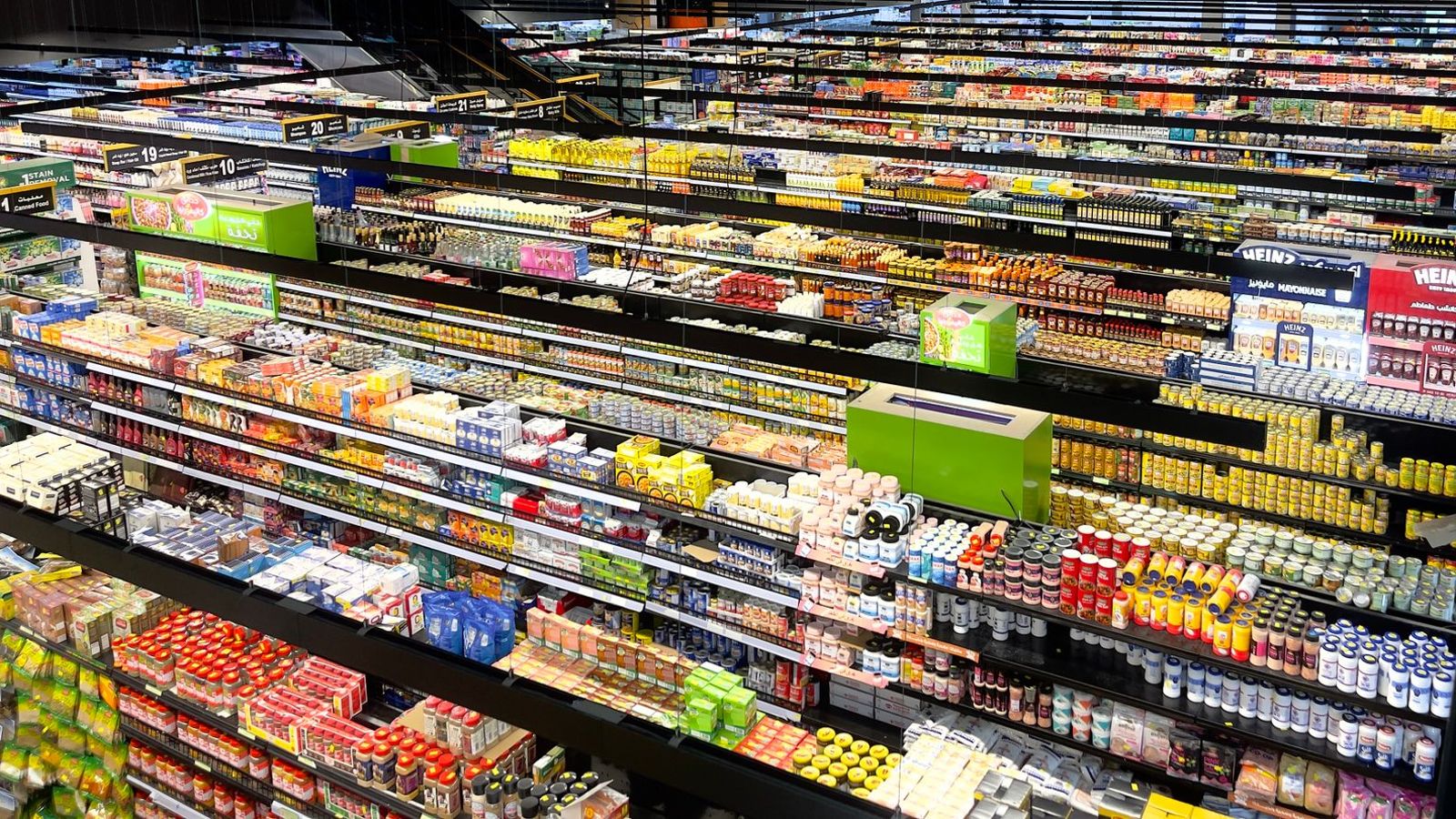
An FMCG distributor lives on coverage. Every outlet that is missed, every order that is booked late and every beat that slips is revenue that does not come back. Yet most distributors still run salesmen on paper beat sheets, phone calls and an evening WhatsApp message.
This article shows how a distributor can run the same day on FieldExecutives: what the salesman does on the phone, what the manager sees, which features are involved and where savings and productivity gains can come from. For the planning side, read our guide to FMCG beat planning.
Where time and money leak today
- Outlets are skipped, and the manager finds out at month-end.
- Salesmen overlap on the same area while another area is not covered.
- Orders are noted on paper or messages and keyed in later, so dispatch starts a day late.
- No-sale outlets have no recorded reason, so nothing is learnt from them.
- Fuel allowance claims cannot be checked against the actual route.
- Reports take a manager hours to compile every week.
How FieldExecutives fits into a salesman's day
Here is the workflow, step by step, with the features used at each point.
1. Start of day: attendance and beat
The salesman punches in at the market, and the server records time and location. The day's beat, with outlets, route order and targets, is already on the phone. The manager sees who has started.
Features used: GPS punch-in on server time, geofencing, mock-location checks, beat and journey plans.
2. At the outlet: check-in and visit
The visit starts when the salesman reaches the outlet. The app shows what to do there: stock check, scheme message, order, collection.
Features used: Auto check-in by geofence, route and next-stop view, offline-first app.
3. Booking the order
The order, quantities and SKUs are captured on the spot, with stock and shelf photos. If the outlet buys nothing, the salesman records the reason. Orders sync live, so dispatch can start the same day.
Features used: Order capture, stock and shelf photos, custom outlet forms.
4. During the day: the manager's view
The manager sees coverage against plan on one map and can move a salesman to an uncovered area or assign an urgent task, without a call.
Features used: Live team map, GPS trail, task assignment, KPIs.
5. End of day: reports without paperwork
Coverage, productive calls and orders by beat, outlet and salesman are already compiled. Fuel and other claims go through approval with the route trail available.
Features used: Real-time KPIs and dashboards, expenses with receipts.
Use cases
Tightening beat coverage
Compare planned and actual outlet visits by beat, find the outlets that are skipped most and rebalance beats using the data.
Same-day order booking and dispatch
Orders captured at the outlet reach the distributor's dispatch team immediately, so delivery can be planned the same day.
Understanding no-sales
Reason codes for no-sale outlets show whether the issue is stock, credit, competition or access, so the team can act on the right cause.
Verifying merchandising
Shelf and stock photos with location and time show what the outlet looked like, which helps with scheme and display compliance.
Fairer coaching
Productive-call rates and orders per visit give managers facts to discuss with each salesman. See how to track field team productivity fairly.
Where the savings and productivity gains can come from
These are the places to look for gains. They are not guaranteed results. Every business starts from a different baseline, so record your own numbers for two to four weeks before you start. Our guide to calculating the ROI of field force management software shows how.
| Area | What to measure | How the software helps |
|---|---|---|
| Travel cost | Fuel or mileage allowance per salesman per month | Planned routes and a GPS trail of the day |
| Coverage | Share of active outlets visited per cycle | Beat adherence and skipped-outlet reports |
| Productive calls | Visits with an order divided by total visits | Orders and no-sale reasons captured per visit |
| Order-to-dispatch time | Hours from visit to dispatch planning | Orders sync live instead of being keyed in later |
| Admin time | Manager and back-office hours on weekly reports | Dashboards built from field data |
| Claim disputes | Allowance claims queried per month | Route trail and visit records behind each claim |
What to measure in the first 90 days
- Beat adherence and outlet coverage by salesman
- Productive call rate and orders per visit
- Average time from order to dispatch plan
- Kilometres and fuel claims per salesman
- Manager hours spent on reporting
For definitions and more measures, see 12 KPIs every sales and operations manager should track.
Getting started
- Clean the outlet list: names, addresses and map locations. Remove closed outlets.
- Load salesmen, beats and visit frequencies for one area.
- Build a short visit form: order, stock, no-sale reason.
- Pilot with five to ten salesmen for two weeks, and review exceptions daily.
- Set a cut-off date after which the system is the record.
A full week-by-week plan is in how to implement field force management software in 30 days. Location and attendance data about employees is personal data, so tell your team what is tracked and why, and take legal advice on your policy under India's Digital Personal Data Protection Act, 2023.
Related reading
- FMCG beat planning: how to build, track and improve beats
- Route optimisation software for field sales and service teams
- How to manage a field sales team without daily phone calls
- Field collection management software
Where FieldExecutives fits
FieldExecutives is field force management software built for Indian teams. For FMCG teams it covers GPS attendance with geofencing, beat plans and AI route optimisation, outlet check-ins, order booking with stock and shelf photos, no-sale reasons, expenses with receipts and live KPIs. The mobile app works offline and syncs when the network returns, and managers and admins work on the same live data. See the FMCG solution page, the features and pricing.
Want to see your beats in the product? Book a demo and we will walk through one of your beats from punch-in to end-of-day report.