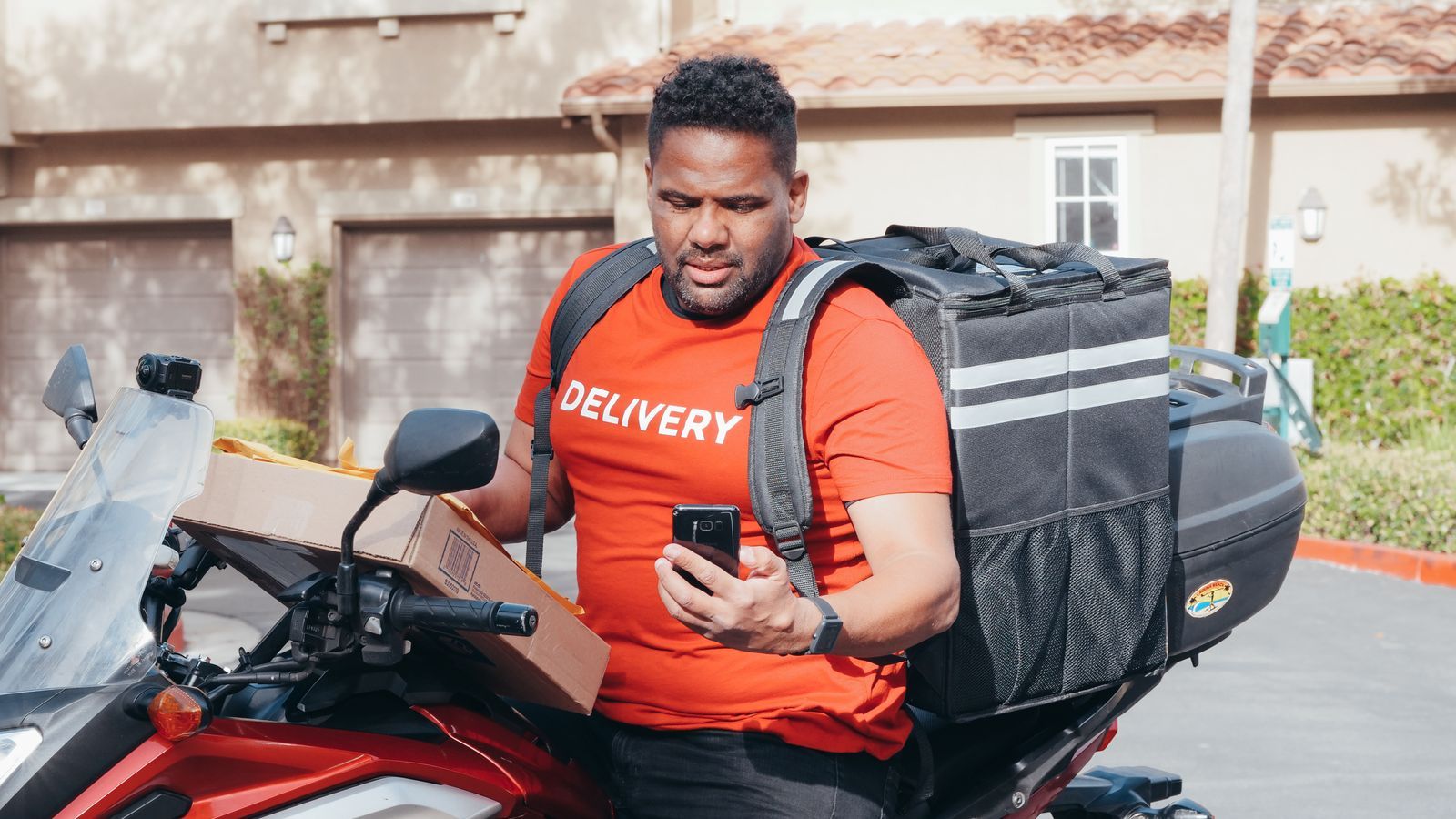
Ask a field manager what their team spends the most time on, and the honest answer is travelling. A salesman covering 25 outlets or a technician with six service calls can lose two to three hours a day on the road. Some of that is unavoidable. A lot of it is not. Visits are planned by habit, in the order the person remembers, and nobody checks whether a better order exists.
Route optimisation software looks at the day's stops and suggests a better order. This guide explains how it works for field sales and service teams, what results to expect, where it falls short, and how to pick the right tool.
What is route optimisation software?
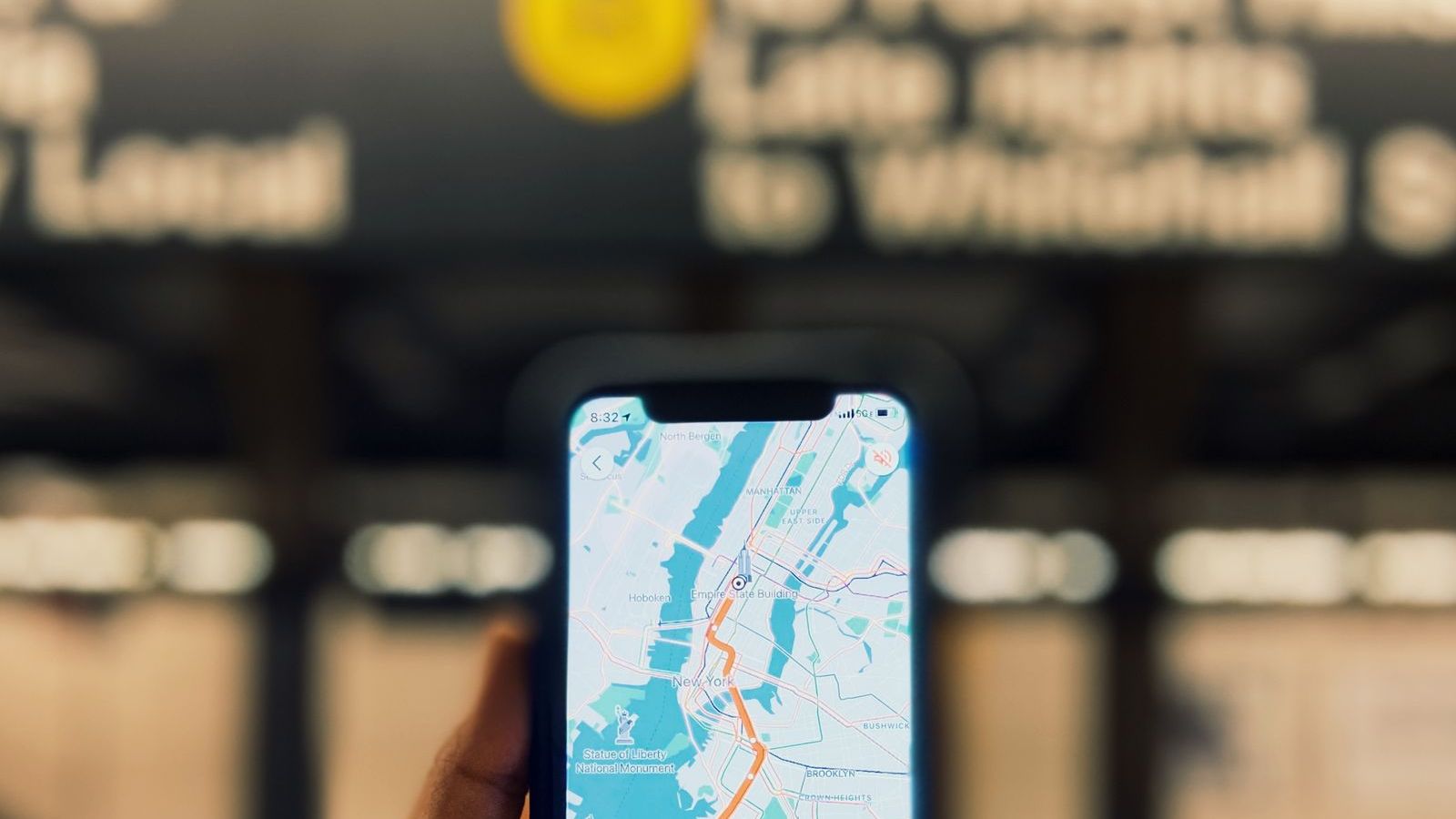
It takes a list of stops, such as customer visits, service calls or deliveries, and works out an efficient sequence. Good tools also consider real conditions: time windows, visit duration, priority, working hours and traffic. The output is a plan for the day, with navigation to each stop.
Two terms are often mixed up:
- Route planning means drawing up a sequence of stops for a day.
- Beat planning means setting recurring routes for a territory, for example "Monday: Kukatpally outlets, Tuesday: Miyapur". It is common in FMCG, pharma and distribution.
Optimisation can improve both.
Why field teams lose time on the road
- Zig-zag visits. The person goes north, then south, then north again.
- Overlapping territories. Two reps cover the same area on the same day.
- Urgent jobs added late. A priority call is squeezed in without re-ordering the rest.
- No view of the whole day. The rep plans the next stop, not the full day.
- Wrong assignment. A technician in Andheri gets a call in Thane while another is ten minutes from the site.
What the evidence says
The best-known documented example is UPS, which built a system called ORION to plan delivery routes. A 2013 InformationWeek report said UPS expected about 1.5 million gallons of fuel savings in the first year, and that the company estimated cutting just one mile per driver per day would save about $50 million a year. It also reported that the system was planned to reach 55,000 routes by 2017. These are UPS's own estimates from the time of rollout.
The lesson for smaller teams is not the scale. It is the method. Small daily savings, repeated across every person and every day, add up. A mile saved is fuel, time and an extra visit. UPS also faced a hard problem: finding the best order for dozens of stops is mathematically difficult, which is why software is needed. Later figures vary a lot by source, so we rely on the 2013 report above for numbers we have checked.
Features that matter
Multi-stop sequencing
The tool should order many stops, not just find the shortest path between two points.
Constraints
Look for support for time windows ("customer is free after 11"), visit duration, priority, lunch breaks and working hours. A plan that ignores these is a nice map and a bad day.
Territory and beat planning
For recurring visits, you need beat plans per salesman with outlet lists, and the ability to rebalance when someone is on leave.
Live re-planning
Jobs change. A good tool lets a manager add an urgent job and suggests which rep should take it, based on location and workload.
Navigation
The rep should open turn-by-turn directions in one tap. Our own routes hand off to the phone's map app.
Planned versus actual
After the day, compare what was planned with what happened, using GPS trails. This is how you learn and improve. See live GPS tracking software for field employees for how trails are built.
Offline use
Plans and maps should be available when the network drops. We discuss this in offline field force management software.
A worked example
Limits you should know about
- Bad data in, bad routes out. Wrong addresses and missing outlet locations ruin the output. Clean your outlet and customer master first.
- Roads change. Software can suggest a route that does not account for a local diversion, a market day or a flooded underpass. Reps need freedom to adjust.
- Relationships matter. A good salesman may visit a key retailer at a particular time because that is when the owner is there. Capture such rules as time windows.
- Not every saving is real. A shorter route is useless if it skips the high-value outlet. Optimise for visits that matter, not just kilometres.
- Adoption. If reps ignore the plan, you get nothing. Involve them early and let them give feedback.
How to choose route optimisation software
- Test with your own data. Give the vendor one real day of stops, with time windows, and compare their plan with yours.
- Check India fit. Maps should handle Indian addresses and local roads. The app should work on budget Android phones.
- Ask how re-planning works when a job is added mid-day.
- See the reports. You want planned versus actual distance, visits per day and idle time.
- Check the connection to the rest of your workflow. Routes should link with visits, proof, attendance and expenses, not sit in a separate tool.
What to measure
| Measure | Why it matters |
|---|---|
| Kilometres per rep per day | Direct travel saving and fuel or mileage cost. |
| Visits or jobs completed per day | Shows whether saved time became productive time. |
| Planned versus actual route adherence | Shows whether the plan is realistic. |
| Time to reach urgent jobs | Matters for service teams and SLAs. |
| Travel allowance claimed | Often falls when routes are tighter and trails are available. |
Record two weeks of baseline data before you start. Compare after 30 and 90 days. Our KPI guide lists more numbers to watch, and expense management shows how travel costs link to claims.
Where FieldExecutives fits
FieldExecutives uses AI beat planning and route optimisation to sequence each rep's day, with a "today's route and next stop" view on the mobile app. Managers can assign tasks with priority and SLA, and see smart suggestions by location and workload. On our site we state that AI routes typically cut 20 to 30 percent of travel. That is a company figure, and your result depends on your territory and starting habits, so measure your own baseline in a pilot. Routes connect to visits, proof capture, attendance and expenses on the same platform. Explore the features or read how it works for FMCG, field service and logistics teams. See also FMCG beat planning and last-mile delivery management for route planning in practice.
Send us one real day of stops. Book a demo and we will show you how the day looks when it is planned in the product.