A sales manager's phone starts ringing at 9 am and does not stop. "Where are you?" "Did you reach the dealer?" "What happened with that order?" By evening the manager has made fifty calls and still cannot say how the day went. The reps feel chased. The manager feels busy but not in control. This is the usual way field sales teams are managed in India: by phone call. It works for a few people. It does not scale, and it wastes the manager's best skill, which is helping people sell.
This playbook explains how to manage a field sales team with a clear rhythm, fewer calls and better data. It works for FMCG, pharma, distribution, building materials, financial products and any sales team that visits customers.
Why daily calls do not work
- They only cover one person at a time. A manager can talk to maybe 20 to 30 people a day, with little time for each.
- They check activity, not results. "Where are you?" is a control question, not a coaching one.
- They create distrust. Reps start to feel watched and hide problems.
- They leave no record. Nothing is captured for review.
- They break the rep's flow. A call in front of a customer is a lost sale.
The shift: from checking to managing
Move from asking "what are you doing?" to knowing already, and using conversations for things that matter. Three ideas support this:
- Set a clear rhythm so everyone knows when things happen.
- Manage by exception. Look at what is off-plan, not at everything.
- Coach with facts. Use data to start conversations, not end them.
1. Set a daily and weekly rhythm
Daily
- Morning (10 minutes): each rep's plan for the day is in the system: beat or visit list, targets, any priorities. No call needed to confirm.
- Midday check (5 minutes): the manager looks at coverage so far and catches gaps, for example two reps in one area while another area is empty.
- End of day (10 minutes): review the day's summary. Visits done, orders, exceptions. Raise only what needs attention.
Weekly
- Team review (30 minutes): a few numbers, what worked, what did not, plans for next week.
- One-to-one with each rep (15 to 20 minutes), at least every second week. Start with something they did well.
Monthly
- Territory and beat review, target review, recognition and plan for improvement areas.
2. Manage by exception
You cannot read everything. Decide in advance what "off-plan" looks like, and only look closely at those cases:
- Rep has not started by a set time
- Visits behind plan at midday
- Unusually short visits
- Many no-sale outcomes in a row
- Planned outlets repeatedly skipped
- Orders well below the rep's normal pattern
When something shows up, the first call should be a question: "I saw you skipped the Kukatpally outlets. Is there a problem?" There is often a reason, such as a market holiday or a road closure. Our KPI guide lists useful signals.
3. Set targets people can control
- Use a few targets, three to five. Too many confuse people.
- Mix activity and results. For example visits and productive visits, orders and collection.
- Make them fair. A rep with a rural beat of 15 outlets 20 km apart cannot match one with 40 outlets on a single road.
- Share them in writing and show progress where the rep can see it.
- Review quarterly, and change targets when conditions change.
4. Coach with data, not with suspicion
Good coaching starts with a specific fact and a question.
- Weak: "Your numbers are bad."
- Better: "Your visits are on plan, but fewer turn into orders than the team average. What do you hear from the retailers?"
Use a simple structure for each one-to-one:
- What went well since last time
- One or two numbers to discuss
- What is getting in the way
- One agreed action, with a date
Ride along with each rep now and then. Data tells you what; riding along tells you why.
5. Build trust and keep visibility fair
- Tell the team what you can see and why. If you use GPS tracking, say so, and limit it to working hours. See live GPS tracking guide.
- Use data the same way for everyone. Favouritism shows quickly.
- Treat flags as questions. A failed check-in may be bad GPS.
- Recognise good work in public; raise problems in private.
- Protect the rep's time. No random calls during customer visits. Urgent only.
6. Use tools that replace the calls
You can do much of this with a notebook and discipline, but tools make it far easier. What to look for:
- A live view of who is working and where, in working hours
- Plans and tasks delivered to each rep's phone
- Visit proof so you do not have to ask. See proof of visit.
- Attendance that does not need a message. See GPS attendance.
- Orders, collections and claims captured on the spot
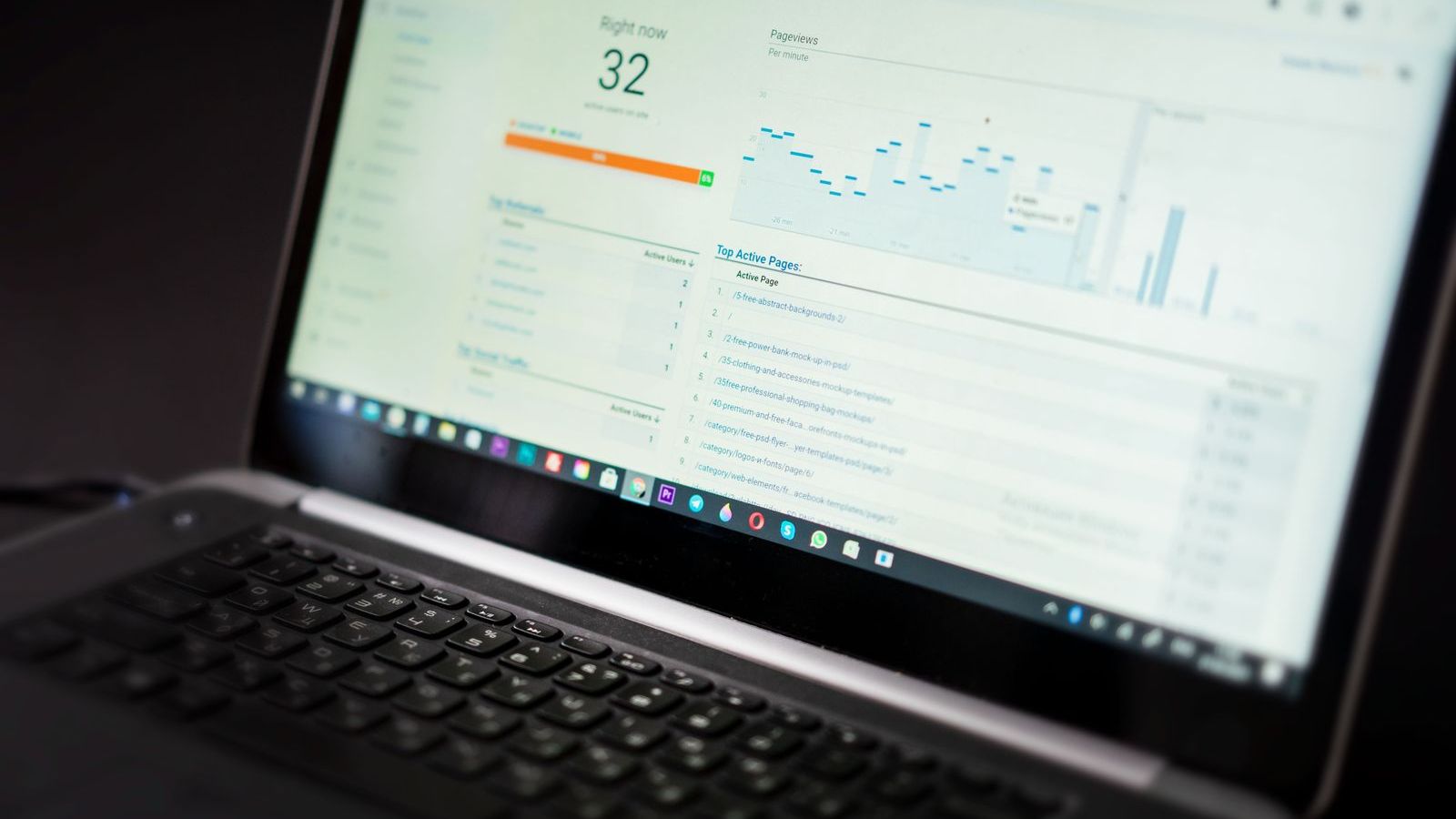
- Dashboards showing exceptions, not just totals
Read field force automation for tasks that software can take over.
Common mistakes
- Checking too often. Constant checking shows distrust and slows work.
- Collecting data nobody uses. Decide what you will look at before you ask for it.
- Only looking at the bottom performers. Learn from the best, too. Ask what they do differently.
- Targets without support. Pushing numbers without fixing beats, stock or schemes breeds fake reporting.
- Public shaming. It kills honesty.
- Doing the rep's job. Coach, do not take over.
Examples by team type
- FMCG and distribution: coverage, productive calls, orders and collection. See field force management software for FMCG.
- Pharma: call coverage and frequency, tour plan adherence, samples. See for pharma.
- Real estate: leads, follow-ups and site visits. See for real estate.
- Banking and insurance: visits, leads and verification. See for insurance.
Where FieldExecutives fits
FieldExecutives is field force management software that supports this way of managing. Reps get a guided plan, a next-stop view and proof capture on their phone. Managers get a live team map and roster, task assignment with SLA tracking, approvals and leave calendar, and KPIs and leaderboards for every rep and team. It shows exceptions without constant calls. See the features, or start with the guide to what is field force management software.
Want fewer check-in calls and better visibility? Book a demo and we will set up a daily rhythm view for your team.