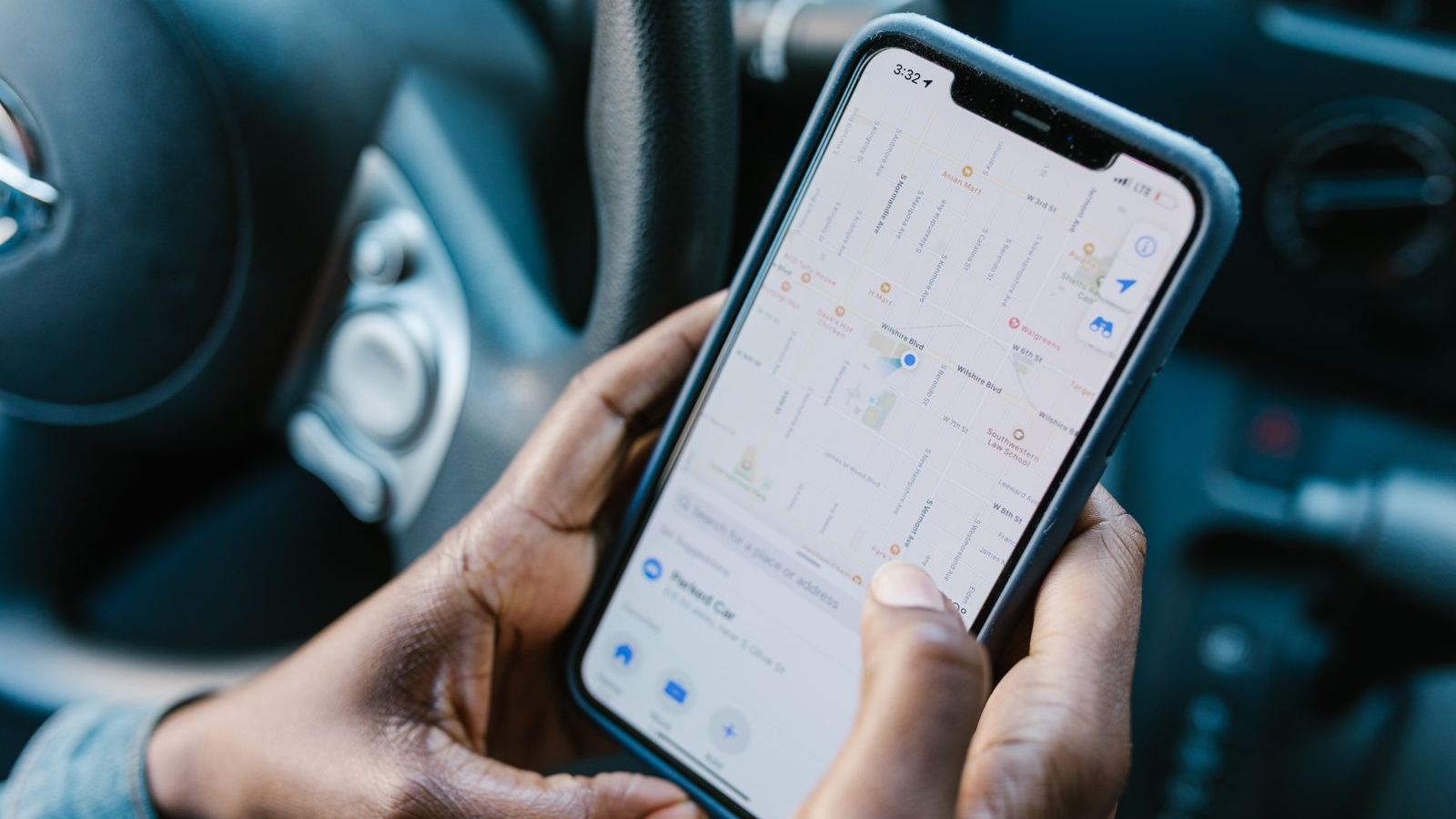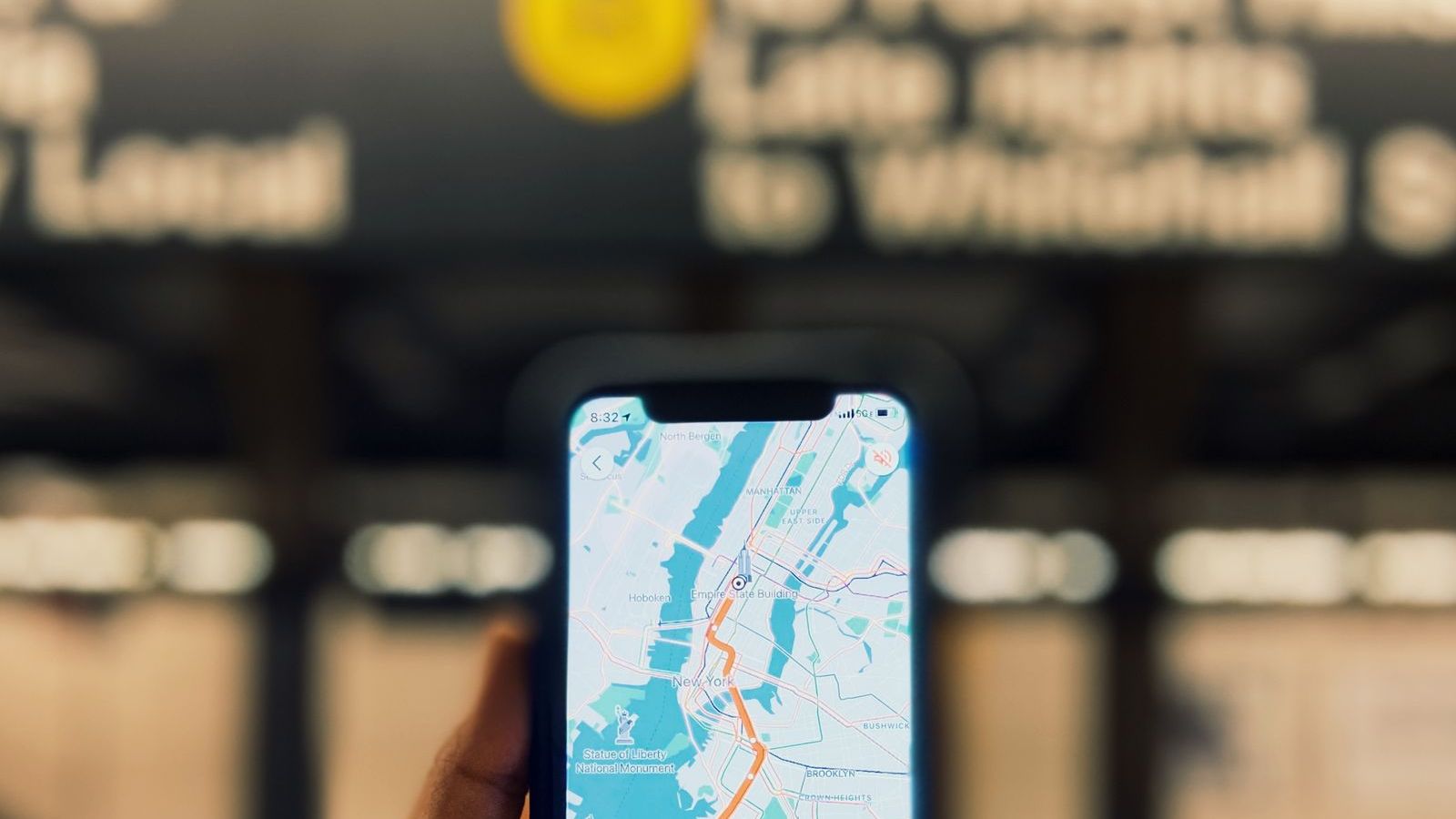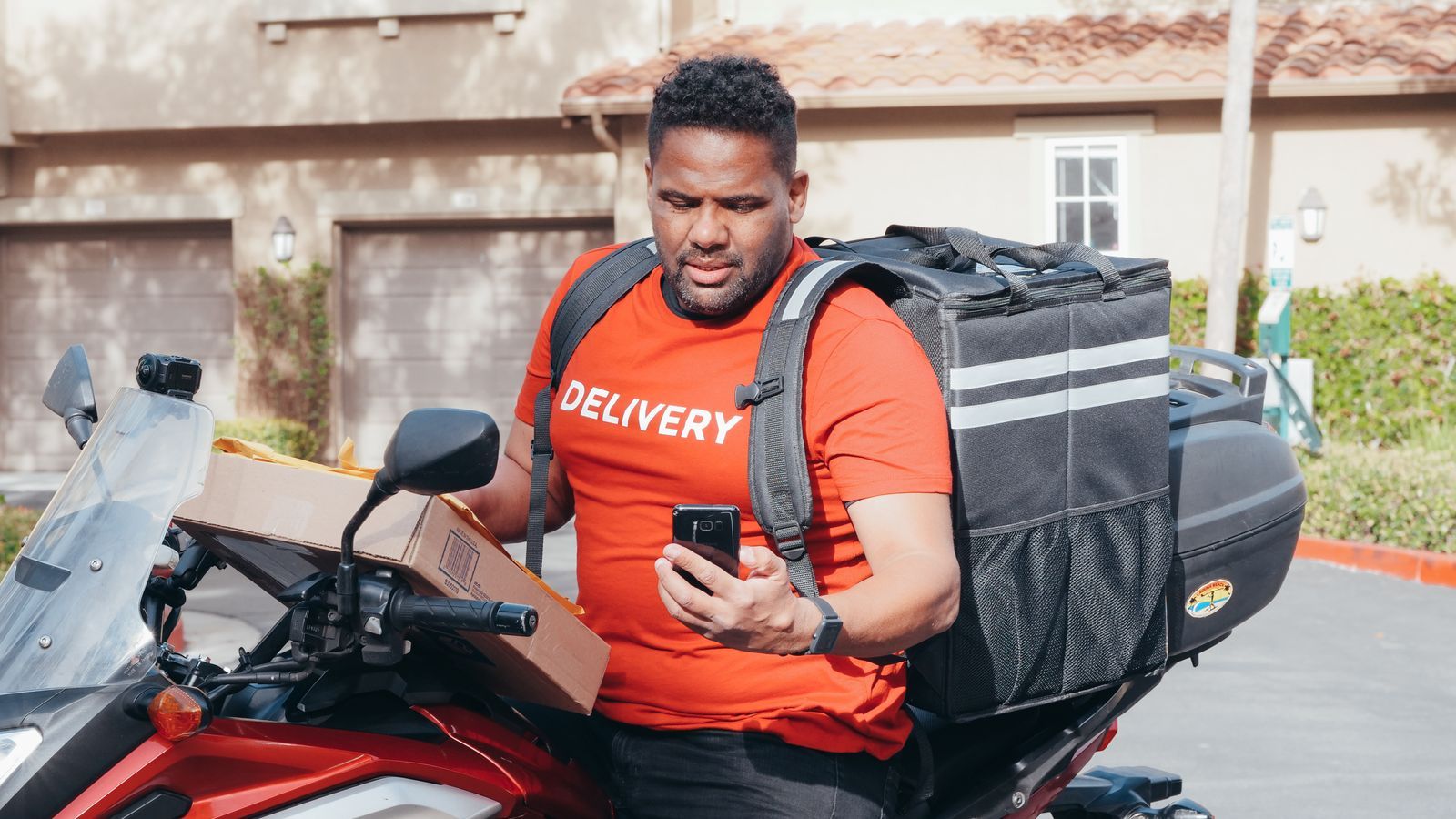
Ask any sales manager or operations head where the team is at 2 pm and you will often hear, "Let me call and check." That one call tells you nothing about the other twenty people. Live GPS tracking software for field employees fixes this. It shows you, on one map, who is where, who is moving, and who has reached the customer.
This guide explains how live GPS tracking works, which features are worth paying for, how to roll it out without making your team feel watched, and what to measure after you start. It is written for business owners, sales managers, field force managers and operations heads.
What is live GPS tracking software for field employees?
It is a mobile app plus a manager dashboard. The app runs on the employee's Android or iPhone and shares location at set times, usually when the person is on duty. The dashboard shows each person as a pin on a map, along with their status: punched in, travelling, at a customer, or idle.
Good software goes beyond a dot on a map. It links location to work. You can see which visit the person is on, how long they have been there, and what the outcome was. Location alone answers "where". Location linked to tasks answers "what happened".
The problem it solves
Most field teams in India still report through phone calls, WhatsApp messages and end-of-day Excel sheets. This creates four problems:
- No live visibility. You only know what the employee tells you, and only when they tell you.
- Delayed reporting. Visits are typed in at night from memory, so details are lost or adjusted.
- Wasted travel. Nobody can see that two reps visited the same area on the same day, or that a customer nearby was left out.
- Disputes. When a customer says "nobody came", or a rep says "I was there", there is no record to settle it.
How live GPS tracking works in practice
The phone's GPS, along with mobile network and Wi-Fi signals, estimates the location. The app sends this to a server every few minutes, or when the person moves a set distance. The server stores each point, so you also get a trail of the day's movement, often called a breadcrumb trail.
A few things decide whether the data is trustworthy:
- Server time, not phone time. If the timestamp comes from the phone, anyone can change the clock. Timestamps should be set by the server.
- Mock-location detection. Some apps let a user fake a location. The software should flag this.
- Battery use. Poorly built apps drain the phone by afternoon, and then employees switch them off. Ask for a demo on a mid-range Android phone, which is what most field teams carry.
- Offline behaviour. Network drops are common outside cities. The app should store points on the phone and upload them when the signal returns. Read more in our guide to offline field force management software.
Key features to look for
Live map with status
One map showing every active employee, with simple status colours. You should be able to filter by team, territory or role, and click a pin to see the person's day.
GPS trail and history
A full-day trail lets you check what happened after the fact. This is useful for a customer complaint, an expense claim or a coaching conversation. Our own platform keeps a GPS breadcrumb trail of where each rep went during the day.
Tracking tied to visits and tasks
Look for check-in and check-out at customer locations, planned versus actual visits, and time spent at each stop. Tracking that is not connected to tasks produces a lot of dots and few answers. See how this works in practice in our guide to proof of visit software.
Geofencing
A geofence is a virtual boundary around a customer site, office or beat area. The app can then confirm that the person is actually inside it at check-in. We cover this in detail in GPS attendance software with geofencing.
Alerts and reports
Useful alerts include "no movement for two hours", "visit not started", or "left the assigned area". Daily and monthly reports on distance, visits and idle time help you coach people, not just watch them.
Privacy controls
Tracking should work only during duty hours. Employees should be able to see their own data. Managers should see only the people in their team. Ask the vendor about role-based access and audit logs.
Benefits for different business teams
| Team | What changes |
|---|---|
| FMCG and distribution sales | Managers see beat coverage during the day, not at month-end. Missed outlets can be reassigned the same afternoon. |
| Pharma representatives | Doctor and chemist calls are tied to a location, which reduces guesswork in call reports. |
| Service technicians | Dispatch can send the nearest technician to an urgent job, and customers can be told a realistic arrival time. |
| Logistics and delivery | Control rooms see every rider on one screen and can answer "where is my parcel" without calling the rider. |
| Collections teams | Visit trails support a clean record of which customers were actually visited for recovery. |
Industry-specific pages explain these workflows in more detail: see field force management software for FMCG, for pharma and for logistics.
The challenges, and how to handle them
Employee pushback
This is the biggest risk. If people feel they are being spied on, they will find ways around the app, or leave. Talk to the team before you switch it on. Explain what is tracked, when, and why. Put it in writing. Show that tracking helps them too: fewer arguments about visit claims, quicker travel allowance approvals, and proof of work when a customer disputes a visit.
Privacy and legal compliance
Location is personal data. In India, the Digital Personal Data Protection Act, 2023 applies, and law-firm commentary on the Act discusses how employers may process employee data for employment purposes. The details are still being interpreted, so take advice from a lawyer on your policy and consent wording. Track only during working hours, collect only what you need, and keep data only as long as required. Sources are listed at the end of this article.
Poor network and battery
Choose software that works offline and uses location efficiently. Test it on your cheapest phones in your weakest coverage areas before you sign.
Too much data, no action
A map with 80 moving pins is impressive for a week and useless after that. Decide in advance which two or three questions you want answered each day, such as "who has not started?" and "which visits are overdue?", and set up alerts for those.
How to roll out GPS tracking in five steps
- Write a one-page policy. Cover tracking hours, who sees the data, how long it is stored, and how it will be used.
- Start with one team. Pick a team with a good manager and run it for two to three weeks.
- Train managers first. Managers who use the map to catch people out will lose trust. Managers who use it to help will keep it.
- Review weekly. Look at coverage, travel time and visit counts. Share good results with the team.
- Expand in phases. Add territories and roles once the first team is stable.
How to compare GPS tracking software
Use this checklist when you evaluate vendors:
- Is the timestamp set by the server?
- Does it detect mock locations?
- Does it work offline and sync later?
- Is tracking linked to visits, tasks and proof?
- Can employees see their own data and managers see only their team?
- Does it work well on low-cost Android phones and with low battery use?
- Is the app available in Hindi, English and regional languages?
- Is pricing per user and clear about what each plan includes?
If you are comparing named products, our comparison pages set out how FieldExecutives differs from other field force tools.
Cost: what affects the price
Most vendors charge per user per month. Price depends on the number of users, which features are included (routes, SLAs, expenses, reports), and whether support and setup are charged separately. Ask for the total cost for your team size for a year, including any per-extra-user fee. You can view our plans on the pricing page.
Measuring results
Do not claim success because the map looks good. Pick measures and record a baseline before you start:
- Visits per rep per day
- Planned versus actual visit completion
- Average travel time and distance per day
- Time to respond to an urgent request
- Number of disputed visits or claims
Compare after 30 and 90 days. Results vary with the business, so use your own numbers, not someone else's promises. Our guide to 12 KPIs every sales and operations manager should track covers the full list.
Where FieldExecutives fits
FieldExecutives is field force management software built for Indian teams. Every punch-in is stamped on the server, geofenced to the right place and checked for mock-location spoofing. Managers get a live map of the team with status and a GPS breadcrumb trail for each rep. Tracking is linked to visits, tasks and proof capture, and the mobile app works offline and syncs when the network returns. You can see how the pieces fit on the features page. New to the category? Start with what is field force management software, and see how to track field team productivity fairly.
Want to see your own team on the map? Book a 20-minute demo and we will set up your territories and visit flow in the live product.