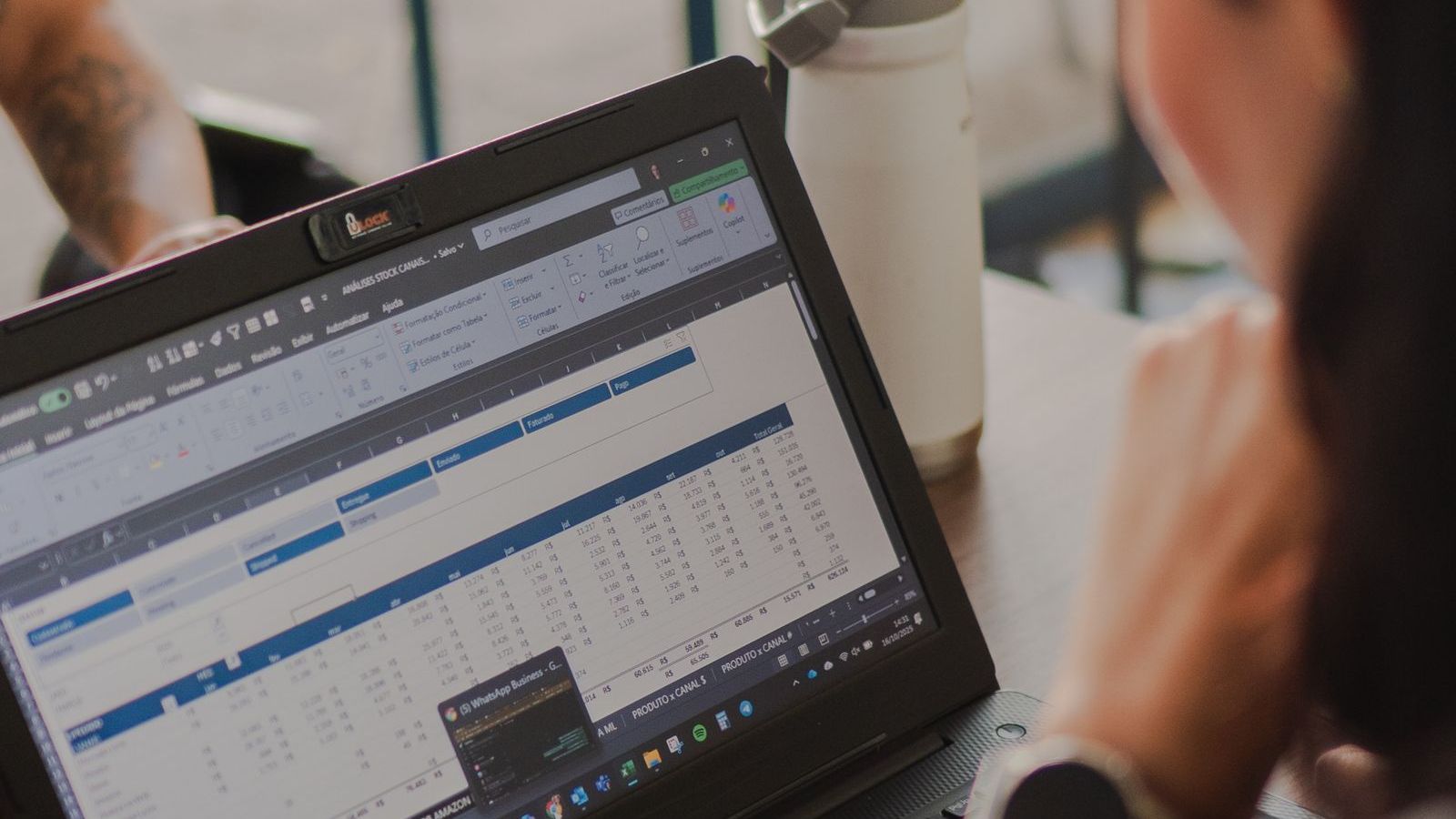
Most field teams start the same way. A manager makes a WhatsApp group. Staff send a "Good morning" message when they start, share photos of visits and post daily reports. At month-end, someone copies everything into Excel. It costs nothing, everyone knows how to use it, and for a team of five it works fine.
Then the team grows. Messages pile up. Reports arrive late and in different formats. Disputes start. This guide helps you see whether you have reached that point, compares the two approaches honestly, and shows how to move without disruption.
Why Excel and WhatsApp feel good at first
- No cost and no training. Everyone already has them.
- Flexible. You can change a format in a minute.
- Fast to start. No vendor, no setup.
- Good enough for small teams. With a handful of people, a manager can read every message.
It is fair to say that if you manage three or four people who sit near you, you may not need software yet.
Warning signs you have outgrown them
- You cannot answer "where is everyone?" without calling.
- Reports come at night, from memory. Details are lost or adjusted.
- The WhatsApp group is hundreds of messages a day. Important items get buried.
- Month-end takes days. Someone sits compiling attendance, visits and claims.
- You cannot check claims. A visit, a distance or an expense is accepted on trust.
- Different people use different formats. Nobody can compare across teams.
- Data lives in personal phones. When someone leaves, history leaves with them.
- Disputes cannot be settled. A customer says nobody came, an employee says they did.
- You cannot see trends. You know last month's total, not which beats, reps or days are weak.
- Collections and cash are unclear. Money collected, deposited and recorded do not match.
If three or more apply, a proper system will likely pay for itself in saved time alone.
Side-by-side comparison
| Need | Excel and WhatsApp | Field force management software |
|---|---|---|
| Attendance | Manual messages or a sheet. Easy to fake or forget. | GPS punch-in with server time and geofence. See GPS attendance. |
| Live location | Phone calls or shared location messages | Live map with trail of the day |
| Visit proof | Photos in a chat, hard to search or verify | Check-in, photo, form and signature stored per visit |
| Task assignment | Messages, easy to miss or forget | Tasks with checklist, priority and deadline |
| Route planning | Manual, by habit | Planned and optimised routes |
| Expenses | Paper bills and a sheet | Photo receipts, approvals, records |
| Reporting | Manual compilation | Live dashboards and exports |
| Offline use | Messages send when network returns, but sheets do not sync | Offline capture with later sync |
| Audit trail | Easily edited or deleted | Logged actions with user and time |
| Cost | No licence cost, but staff time | Monthly fee per user |
| Data ownership | Scattered across phones and files | Held centrally, with access control |
The hidden cost of "free"
Excel and WhatsApp are free to buy and expensive to run. The costs show up as time and leakage:
- Manager time: reading messages, chasing reports, compiling sheets.
- Accounts time: matching claims, attendance and collections.
- Wasted travel: no route planning or overlap checks.
- Leakage: unverified claims, fake or missed visits, uncollected dues.
- Delay: problems found at month-end, when it is too late to fix them.
You can estimate this. For a team of 20, ask: how many hours a month do managers and accounts spend on collecting and cleaning field data? What is their hourly cost? Add what you think is lost through errors and disputes. Compare the total with the software fee. Our ROI guide has a worksheet.
What WhatsApp and Excel can still do well
You do not have to abandon them completely.
- WhatsApp remains a good channel for quick human conversation.
- Excel is still useful for ad hoc analysis. Good software lets you export data to Excel for this.
- For very small or temporary teams, they are enough.
The shift is in where the record lives. The record should be in a system. The chat can stay as a chat.
How to switch without chaos
- Pick one problem. For example attendance and visit proof. Do not try to move everything in week one.
- Choose a pilot team of five to ten people with a good manager.
- Run old and new together for two weeks. Compare results. This builds trust.
- Explain the why. Tell the team what is tracked and how it helps them. See our guide to introducing GPS tracking fairly.
- Import your master data: employees, customers, outlets and territories. Clean it first.
- Set a cut-off date after which only the system counts.
- Review weekly for the first month and fix what does not work.
A detailed plan is in how to implement field force management software in 30 days.
Questions to ask before you move
- Does the app work offline on the cheap Android phones my team has?
- Can I import my customer and outlet lists?
- Can I export data back to Excel?
- What is the total yearly cost for my team size?
- How long does setup take?
The buyer's checklist has the full list.
Who benefits most from moving
Teams that gain the most are those with many daily visits, cash or orders involved, and disputes about attendance or service. Examples include FMCG and distribution teams, pharma representatives, delivery teams and collection teams.
Where FieldExecutives fits
FieldExecutives is field force management software meant to replace the WhatsApp-and-Excel routine. Staff punch in with GPS, work from a guided task list, capture proof and enter orders, expenses and collections on their phones, even offline. Managers see a live map and dashboards, and month-end data is already compiled. Plans start with a small-team option, which you can check on the pricing page. Browse the features to see what it replaces.
Curious how your current Excel sheet would look in an app? Book a demo and bring a sample report. We will map it for you.