A facility management company looks after dozens of buildings: offices, malls, hospitals, residential complexes. In each, there are housekeeping staff, technicians, security and supervisors, working in shifts. The client's view is simple: is the place clean, working and safe? The company's problem is just as simple: how do we prove it, building by building, every day? Most facility teams still rely on paper checklists in site offices, attendance registers and phone calls to supervisors. Reports go to clients at the end of the month, put together by hand. When a client complains, nobody can say quickly what was done and when.
This guide explains how facility management software helps: tracking maintenance rounds, handling complaints within SLA, verifying staff attendance and giving clients reports they can trust.
What facility management teams need to control
- Rounds and checks: scheduled inspections of equipment, washrooms, pantries, fire safety, lifts, pumps and common areas
- Complaints and requests: logged by occupants, assigned, resolved and closed
- Attendance and deployment: who is at which site, in which shift, against the contract
- Preventive maintenance: recurring tasks done on time
- Supervisor visits: checks by supervisors across sites
- Reports: proof of service for the client
Problems with the paper and phone approach
- Rounds signed without being done. A tick on a sheet proves nothing.
- Complaints lost or slow. A request by phone to a supervisor may never be logged.
- Attendance disputes. A client counts 8 housekeepers on site, the company billed for 10.
- No visibility across sites. A manager with 30 sites cannot be at all of them.
- Reports built at month-end. Slow to prepare, hard to verify.
- Supervisors overloaded with paperwork.
How the software works
1. QR and geo checkpoints for rounds
Stick a QR tag at each checkpoint: a pump room, a floor, a washroom, a generator. The staff member scans it with the phone at the time of the round. The app records time, person and location. Missed checkpoints show up immediately. Where tags are not practical, a geo checkpoint can confirm presence at a location.
- Set a round schedule: for example every two hours.
- Alert a supervisor when a round is late or a checkpoint is missed.
- Attach a short checklist to each checkpoint with photo evidence where needed.
Read more about proof in proof of visit software.
2. Complaint and request management with SLAs
A complaint is logged, assigned to the right person and given a deadline based on priority. The assignee sees a timer. At-risk jobs trigger an alert, and breaches escalate to a supervisor. When the job closes, the person adds a photo and note, and the occupant can rate the service. See SLA management software and how to reduce customer complaints in service businesses.
3. Staff attendance with geofencing
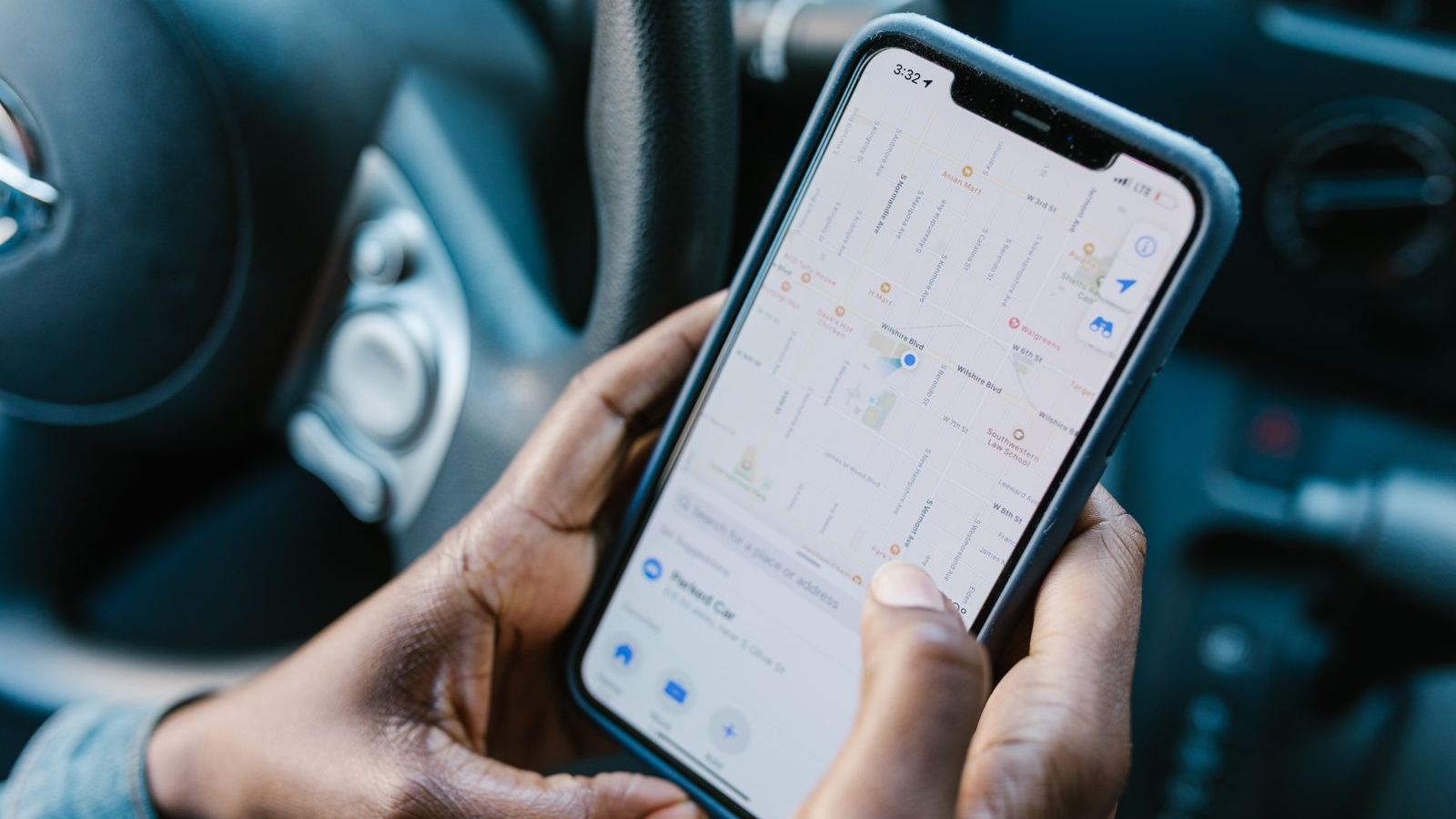
Each site has a geofence. Staff punch in from the phone at the start of shift, and the server records time and location. A manager can see who is on site now, against the planned deployment. Late arrivals and absences are visible quickly, so replacements can be arranged before the client notices. See GPS attendance software with geofencing.
4. Preventive maintenance schedules
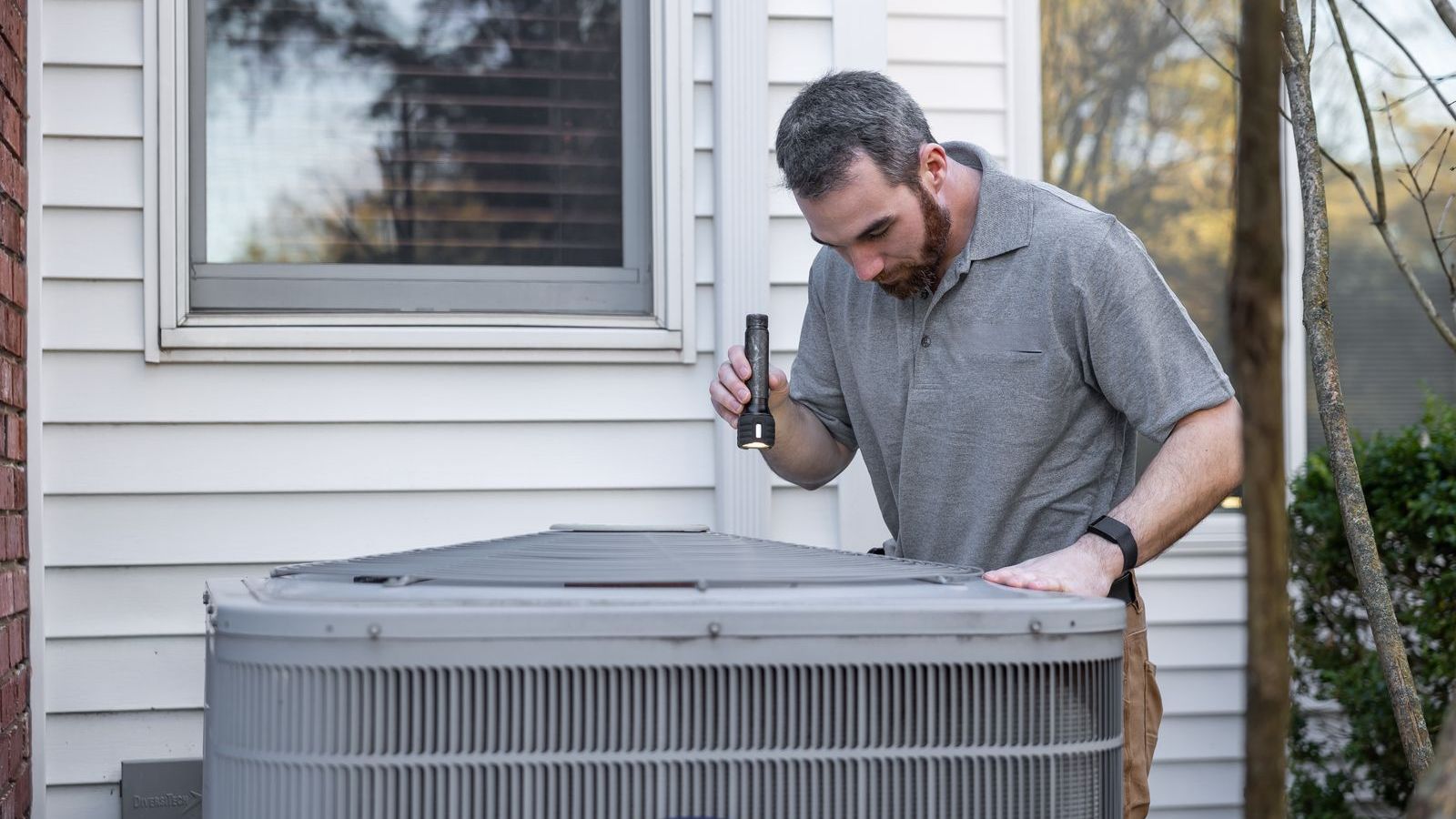
Recurring tasks such as filter cleaning, pump checks and fire extinguisher inspection can be scheduled in advance, assigned and tracked to completion with proof.
5. Supervisor tools
Supervisors visit sites, audit quality with a checklist, take photos and record issues. Their own visits are verified by location, so managers know the audits happened. See mobile forms software.
6. Client reports
Because every round, complaint and attendance record is captured as it happens, reports can be compiled from data: rounds completed, complaints resolved within SLA, attendance against contract. This replaces month-end manual compilation.
Measures to track
| Measure | What it shows |
|---|---|
| Round completion rate | Share of scheduled checkpoints scanned on time |
| Complaints resolved within SLA | Service responsiveness |
| Average resolution time by category | Where delays arise |
| Repeat complaints | Quality of the first fix |
| Attendance versus deployment | Contract compliance and billing accuracy |
| Preventive maintenance on schedule | Risk of breakdowns |
| Client or occupant ratings | Satisfaction. See customer feedback. |
More on measures: 12 KPIs every sales and operations manager should track.
Common challenges and how to handle them
- Resistance from staff. Explain that proof protects them from false complaints. Keep scanning simple.
- Poor network in basements and plant rooms. Choose an app that works offline and syncs later. See offline guide.
- Tags damaged or removed. Use durable tags and include tag checks in supervisor audits.
- Shared phones. Where staff do not own smartphones, use site devices with individual logins.
- Privacy and fairness. Location and attendance are personal data. Tell staff what is tracked, track only on shift and take legal advice under India's Digital Personal Data Protection Act, 2023.
- Too many alerts. Set thresholds that matter, so supervisors act on them.
How to start
- Choose one or two pilot sites with a willing supervisor.
- Map the checkpoints, round schedules and complaint categories.
- Place tags, set geofences and create checklists.
- Train supervisors first, then staff, on real tasks.
- Run for four weeks and compare round completion, complaint resolution and attendance disputes with the previous period.
- Expand site by site. See how to implement field force management software in 30 days.
Where FieldExecutives fits
FieldExecutives is field force management software that covers facility workflows: geofenced attendance for site staff, tasks with checklists, priority and SLA timers with escalation, proof capture with photo, signature, barcode or QR, custom forms for audits and supervisor checks, and a live map and dashboards for managers. Staff can work offline and sync later. See the facility management solution page, the features and plans.
Want to see a round, a complaint and an attendance report on one screen? Book a demo and bring a sample site.